Whiteley Reunion 2026
Group Venmo
Preferred method
On a mobile device with Venmo app installed, click the fully written Venmo group URL below. This has been the most reliable way to open the group invitation.
https://link.venmo.com/groups/link/2838e16e-4031-4ccd-ac34-4581d1673ffd
- Click the full URL above to open the Venmo Group Link invitation, then accept the invitation.
- Use your camera to scan Cherie's Venmo QR code sticker.
- Take a screenshot of the QR code below, then tap the QR code in the screenshot to activate the link.
- Use the highlighted text message button below to ask Cherie to send you the Venmo Group Link.
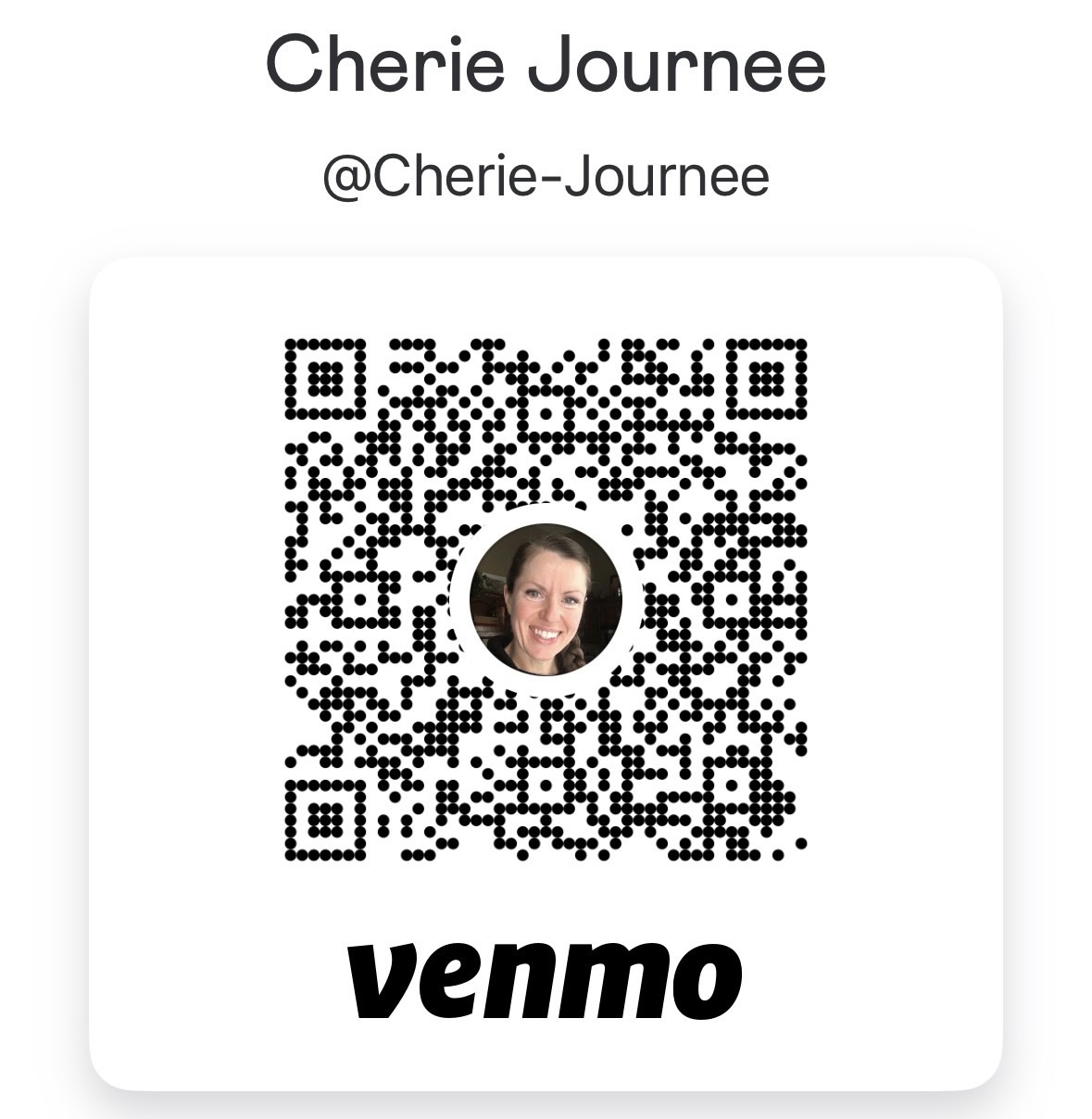
Sending Venmo directly to Cherie Journee could also work.